How to Jailbreak iOS Using Unc0ver
What is Jailbreaking?
Jailbreaking is when you make your iPhone do things Apple normally won’t let you do. Like installing apps not from App Store, or changing how your phone looks. Unc0ver is one popular tool that helps you jailbreak your device.
What You Should Do Before You Start
- Backup your phone data so nothing important is lost
- Make sure your iOS version works with Unc0ver (usually up to iOS 14)
- Turn off passcode or Face ID for the time being
- Charge your phone above 50% so it doesn’t die during jailbreak
How to Jailbreak:
- Download Unc0ver app via AltStore or Sideloadly
- Go to Settings → General → Device Management and trust the app
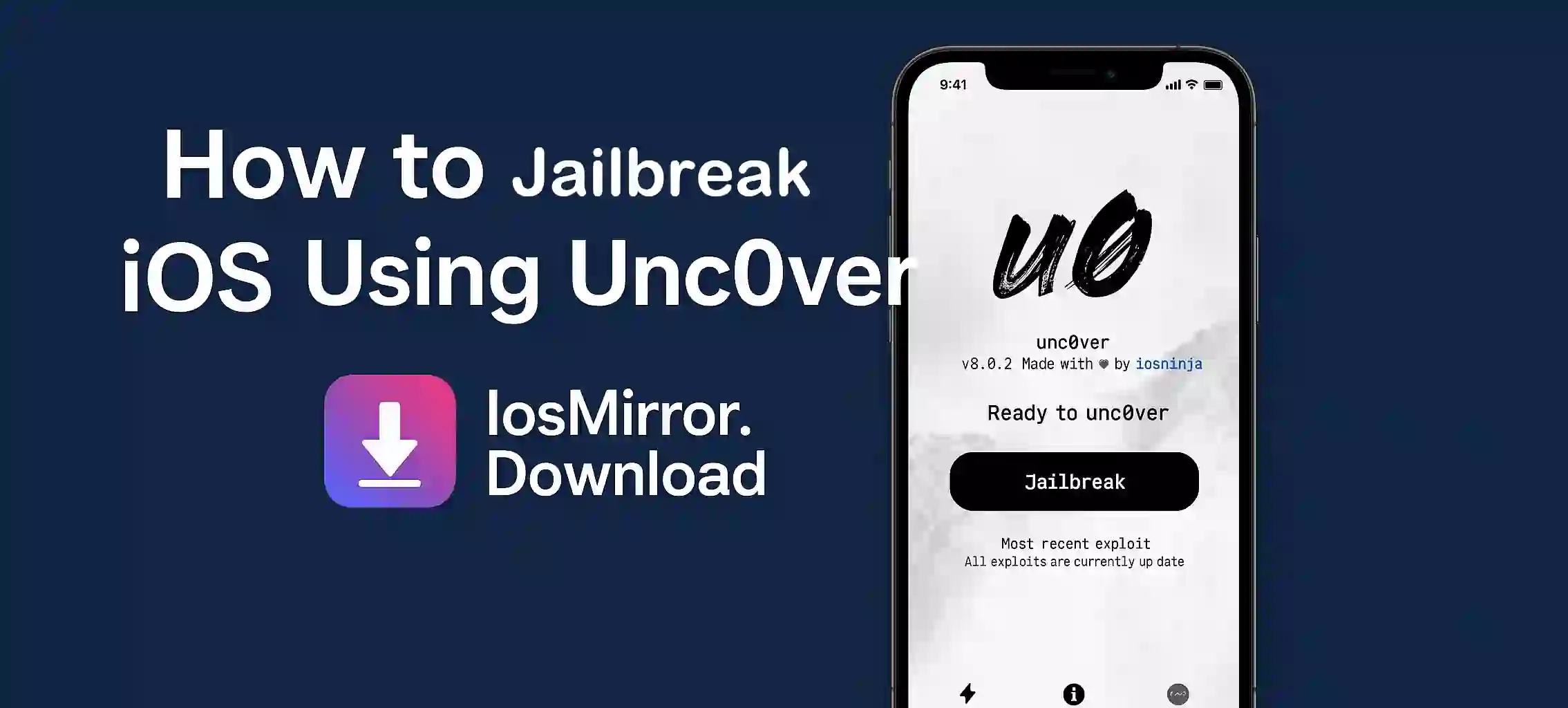
- Open Unc0ver and tap the Jailbreak button
- Wait, your phone might restart few times, just be patient
- When done, you’ll see the Cydia app on your screen — that means success!
Some Things to Keep in Mind
- Jailbreaking can void your warranty
- Installing too many tweaks might make your phone unstable
- Don’t update iOS after jailbreaking or you may lose it
Conclusion
Jailbreaking with Unc0ver is quite easy if you follow the steps. It gives your phone more freedom to do things Apple normally blocks. Just be careful and don’t rush.